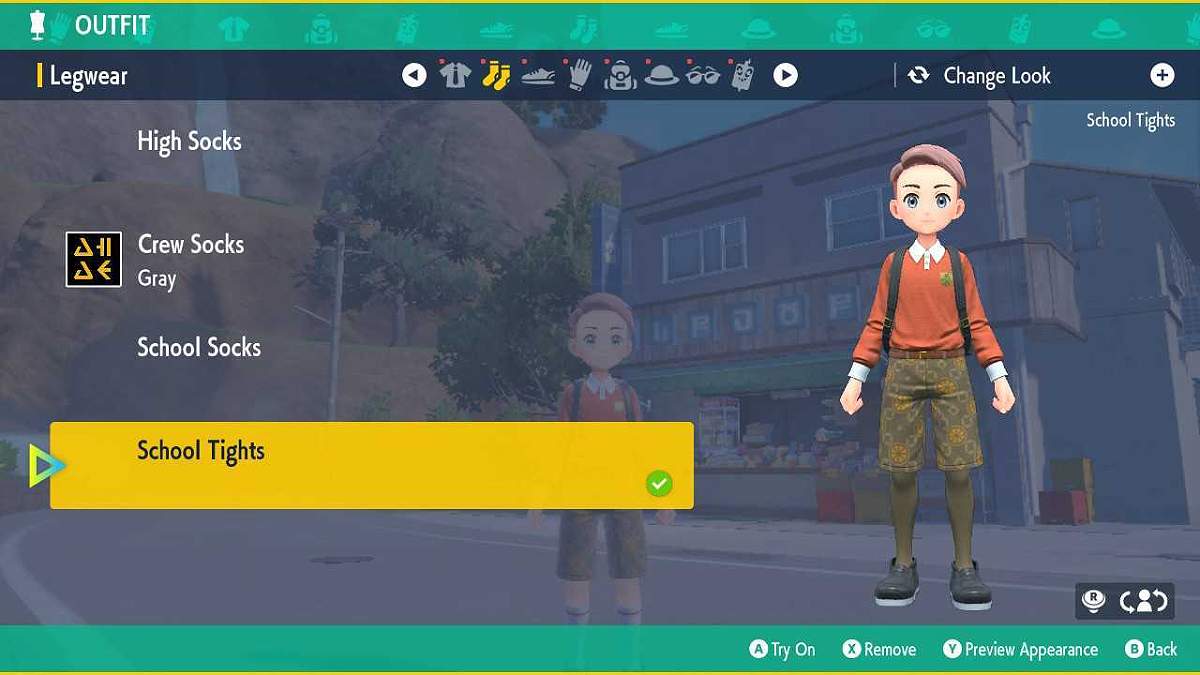
If you’re looking to switch up your look in Pokemon Scarlet and Violet, then you’ll need to know how to change clothes as soon as possible.
Fortunately, changing clothes in Scarlet and Violet is a simple button press and can be done at practically any time.
Below, we outline exactly how to change your clothes in Scarlet and Violet, as well as how to redeem the DLC-exclusive outfits.
How to Change Clothes in Pokemon Scarlet & Violet
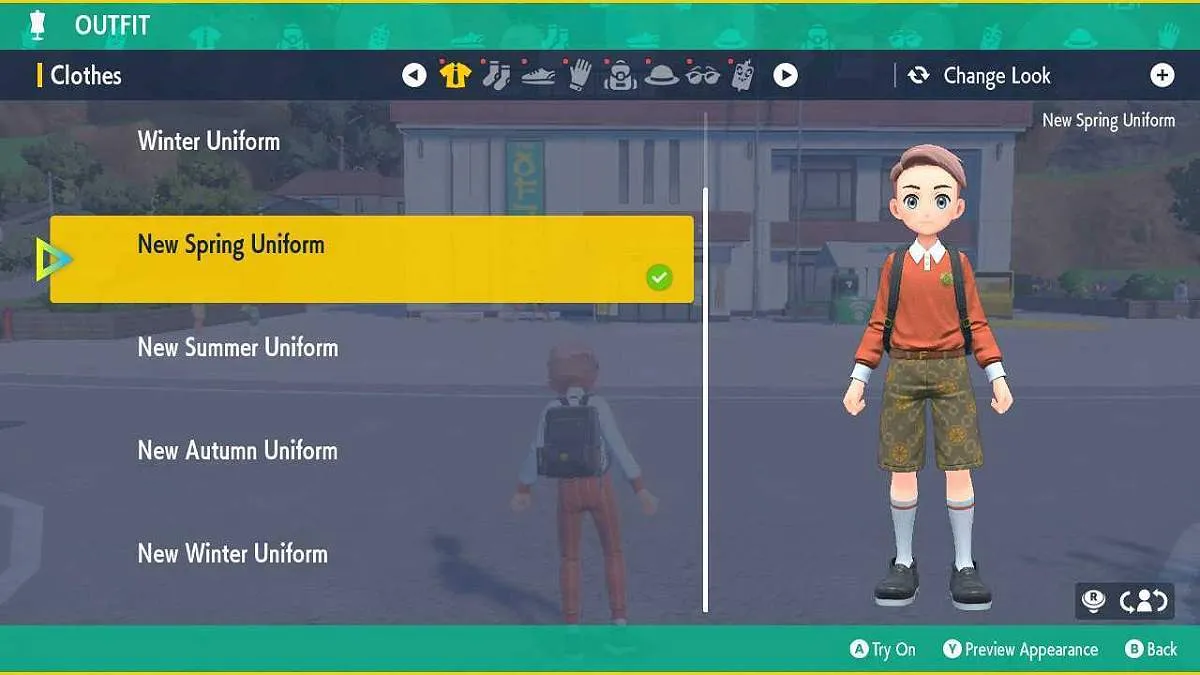
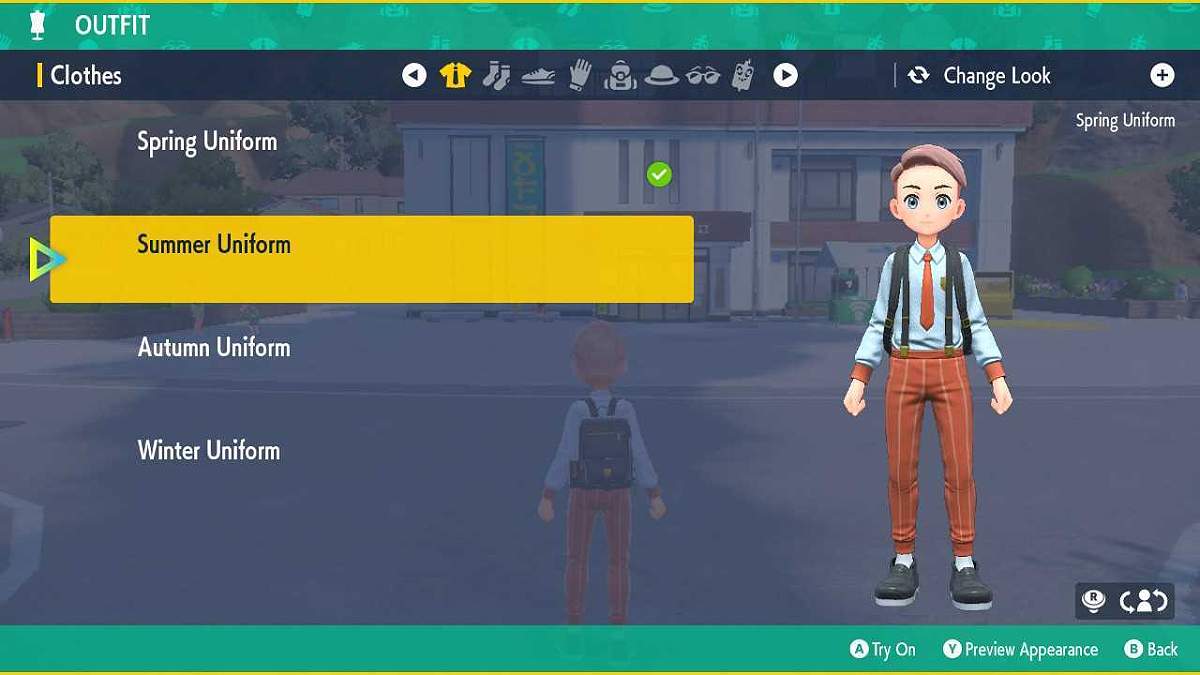
To change clothes in Pokemon Scarlet and Violet, players must press the left button on the D-Pad. This opens up the clothing menu, where you can choose from the clothes you have unlocked and purchased.
You can change between 4 outfits in the base game: Spring Uniform, Summer Uniform, Autumn Uniform, and Winter Uniform.
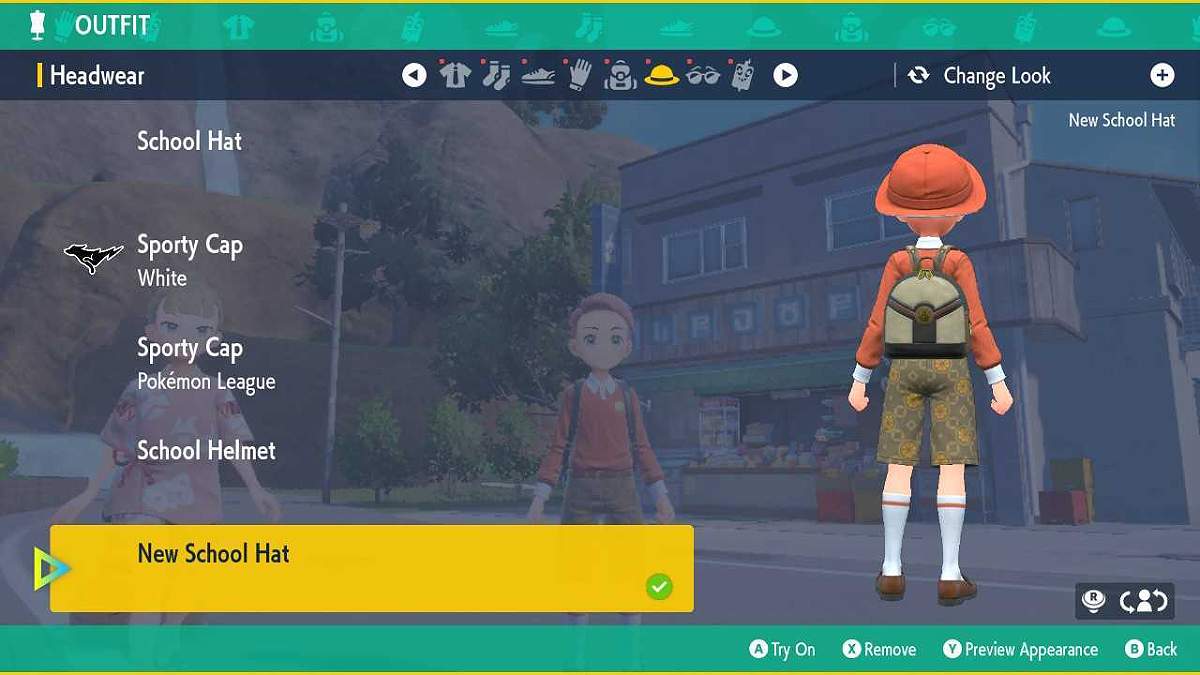
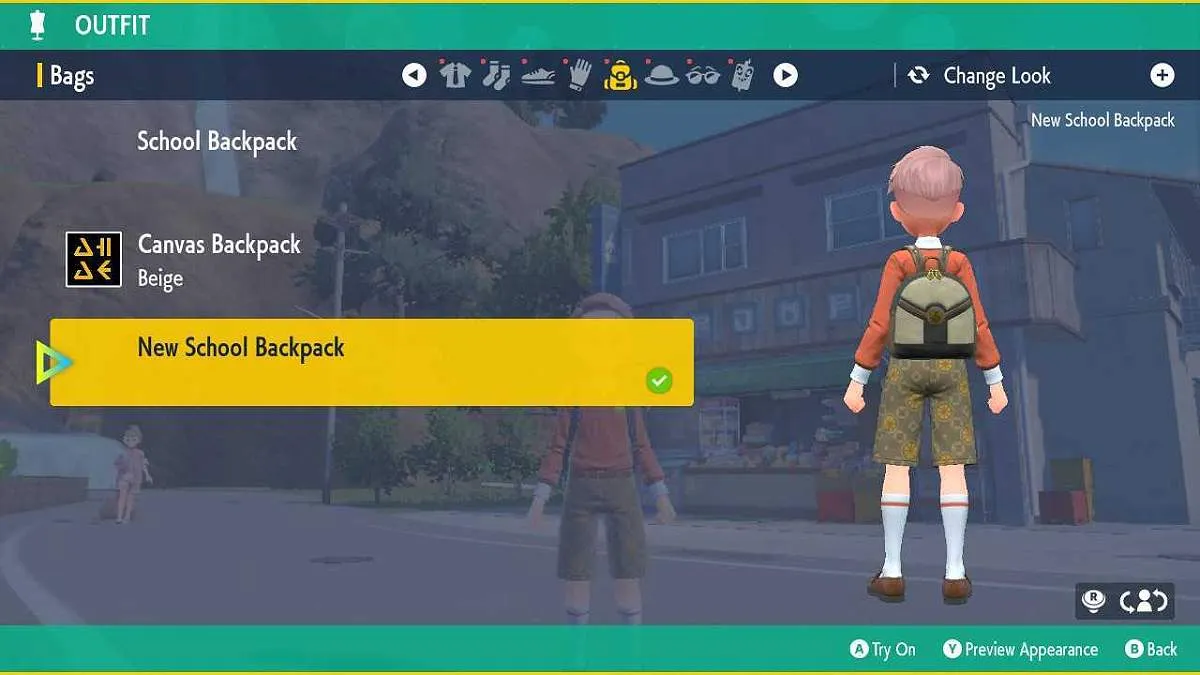
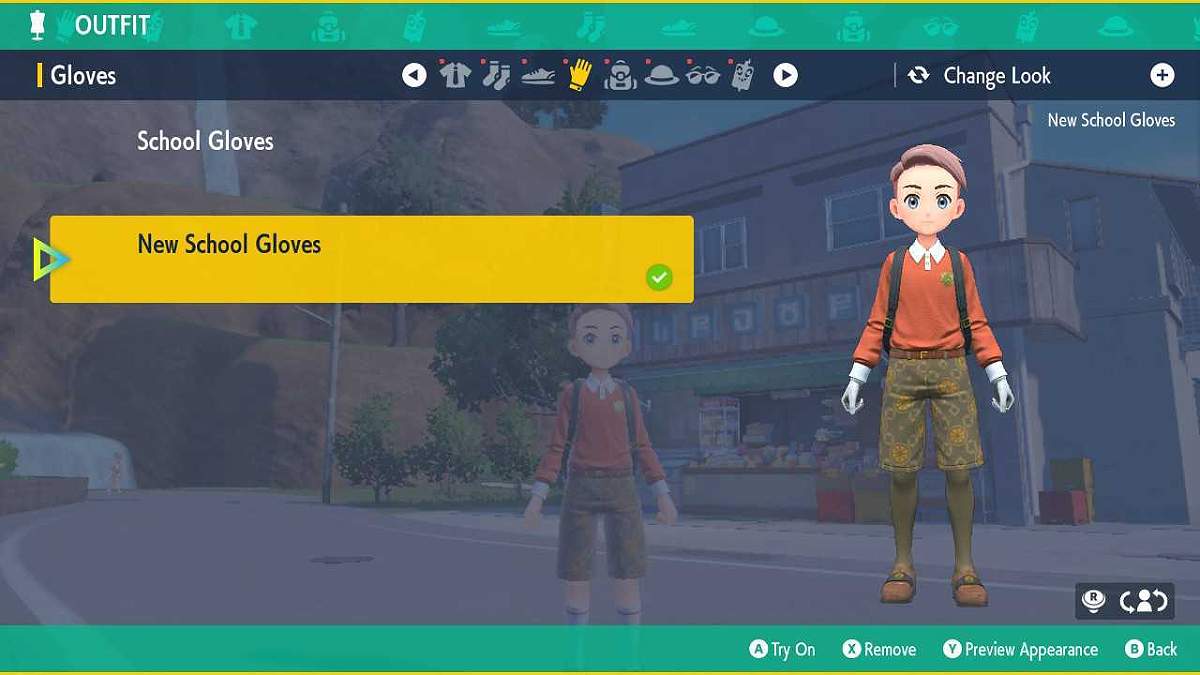
Additionally, you can alter individual pieces of clothing, including socks, shoes, gloves, bags, hats, glasses, and phone cases.
In The Teal Mask DLC, you can also change between 4 new outfits: New Spring Uniform, New Summer Uniform, New Autumn Uniform, and New Winter Uniform.
It’s worth noting that you can’t change your clothes when in battle or when you’re in the menu. You must be standing out of battle in order to access the clothing menu.
How to Redeem DLC Clothes in Pokemon Scarlet & Violet
To redeem The Teal Mask exclusive clothes in Pokemon Scarlet & Violet, you must follow these instructions:
- Open up your menu by pressing X.
- Select the Downloadable Content space in the bottom right.

- Select Check Item Details.
- Press A on New Uniform Set.
- Wait for the animation to complete.

Once you’ve redeemed your new clothing, it will become immediately available in the clothing menu. Just press left on the D-Pad to open up the clothing menu and try on the new DLC exclusive outfits!
All New The Teal Mask Clothing
Here is a list of all of The Teal Mask exclusive clothing items you can unlock after purchasing the DLC: