Introduction
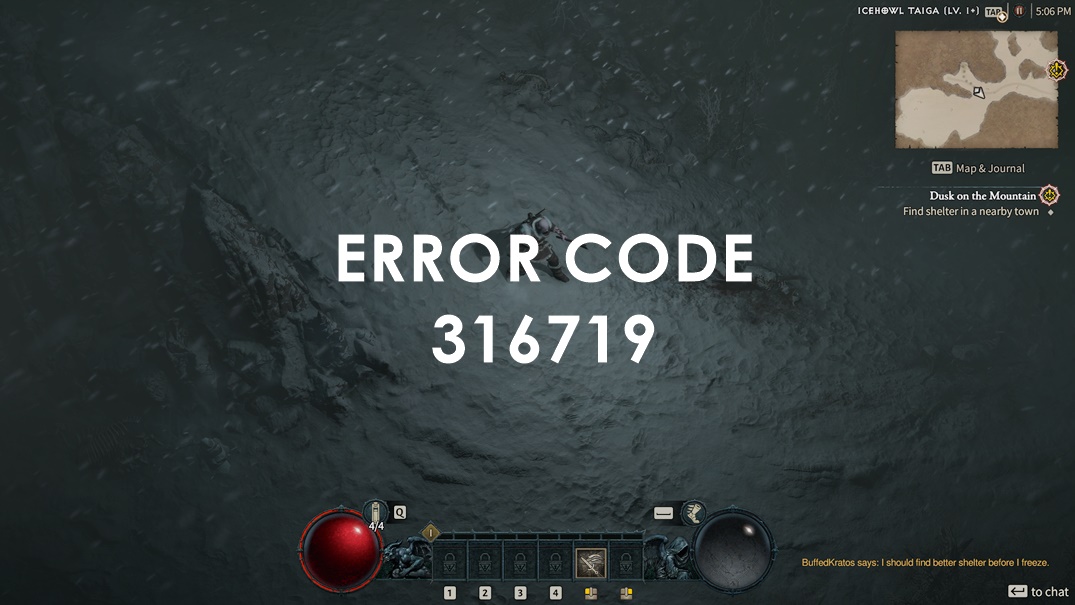
Are you a dedicated gamer who loves to explore virtual worlds in Blizzard games? If so, you might have encountered the pesky Blizzard Error Code 316719 that disrupts your gaming experience. Fret not! In this detailed guide, we’ll walk you through everything you need to know about Blizzard Error Code 316719, its causes, and most importantly, how to fix it. Let’s dive in and get you back to conquering realms and battling foes without any hiccups!
Blizzard Error Code 316719 Understanding the Glitch
Blizzard Error Code 316719 is an error message that players often encounter while trying to access their favorite Blizzard games, such as World of Warcraft, Overwatch, or Diablo. This error can be frustrating, but fear not, for we have curated a comprehensive troubleshooting guide to help you overcome this obstacle.
Possible Causes of Blizzard Error Code 316719
- Network Connectivity Issues: Poor or unstable internet connection can lead to this error.
- Server Outages: If Blizzard’s servers are down for maintenance or other reasons, you may encounter this error.
- Corrupted Game Files: Damaged game files can trigger the error during launch.
- Firewall or Security Software: Overly strict firewall or security software settings might block the game from connecting to Blizzard’s servers.
- Outdated Game Client: Running an outdated game version can result in this error.
Troubleshooting Steps to Resolve Blizzard Error Code 316719
1. Check Your Internet Connection
First and foremost, ensure that your internet connection is stable. Consider restarting your router and connecting to a wired network if possible. This can often resolve connectivity-related issues.
2. Verify Blizzard Server Status
Visit Blizzard’s official website or social media channels to check if their servers are experiencing any disruptions. If there’s an ongoing outage, you might need to wait until the issue is resolved on their end.
3. Repair Game Files
If corrupted game files are causing the error, follow these steps:
- Open the Blizzard Battle.net app.
- Navigate to the game that’s giving you the error.
- Click on the options menu and select “Scan and Repair.”
- The app will scan and repair any corrupted files automatically.
4. Adjust Firewall and Security Settings
Ensure that your firewall or security software isn’t blocking the game’s connection to Blizzard servers. You may need to create an exception for the game or temporarily disable the software.
5. Update the Game Client
Make sure you’re running the latest version of the game. Check for updates within the Blizzard Battle.net app and install any available patches.

6. Flush DNS and Renew IP
Sometimes, refreshing your network settings can help. Open the Command Prompt and enter the following commands:
ipconfig /release
ipconfig /renew
ipconfig /flushdns
FAQs About Blizzard Error Code 316719
What is Blizzard Error Code 316719?
Blizzard Error Code 316719 is an error message that appears when there are issues with connecting to Blizzard’s servers, often due to network or corrupted file problems.
How can I check if Blizzard’s servers are down?
You can visit Blizzard’s official website or their social media channels to check for any server outages or maintenance notifications.
Can firewall software cause this error?
Yes, overly strict firewall or security software settings can prevent the game from establishing a connection with Blizzard servers, triggering the error.
Is there a way to fix corrupted game files?
Yes, the Blizzard Battle.net app has a “Scan and Repair” option that can automatically detect and repair corrupted game files.
What if I still encounter the error after trying all these steps?
If the error persists, you can reach out to Blizzard’s customer support for further assistance. They can provide personalized solutions based on your specific situation.
Can using a VPN help in resolving the error?
Using a VPN might sometimes help bypass certain network issues, but it’s not a guaranteed solution. It’s recommended to try other troubleshooting steps first.
Conclusion
Navigating through Blizzard Error Code 316719 can be frustrating, but armed with this expert troubleshooting guide, you’re now equipped to tackle the issue head-on. By following the steps outlined here, you can swiftly resolve the error and get back to immersing yourself in the captivating worlds of Blizzard games. Remember, persistence and patience are key when troubleshooting, and if all else fails, don’t hesitate to seek assistance from Blizzard’s dedicated support team. Happy gaming!