
In this article we’ll be sharing which is the best NES emulator. Do you remember the days of playing classic Nintendo games on your NES console?
Those adventures exploring secret levels in Super Mario Bros and journeying through The Legend of Zelda’s dungeons don’t have to just be memories, we can now relive them with emulation. Emulation allows us to play these retro titles without needing a physical NES console, plus modern emulators make gaming even better than before!
With so many choices out there for an appropriate emulator though, how do you know which one is right for you? This post will explore some top-tier 2023 NES emulators that offer amazing features and improved performance when it comes to experiencing classic NES games.
Plugging in your controller should be all that’s left after reading – let’s take a look at what makes certain ones stand out as the best Nintendo Entertainment System emulator!
Short Summary
- Find the best NES emulators of 2023 for Windows PC and mobile devices!
- Enhance your classic gaming sessions with customized controls, cheat codes, video filters, and shaders!
- Learn how to get and play your NES ROM files legally by dumping them or getting them from libraries/game stores.
What Is The Best NES Emulator?
In our search for the top tier NES emulator, we have carefully evaluated and compiled a top 5 list of the best emulators available for Windows PC. Each one is packed with unique features to meet all your gaming needs.
Mobile users can also join in on the classic gaming fun by taking advantage of some great options for playing retro NES games wherever they go! We’ll include mobile emulation options as well.
1. Mesen: The Most Accurate NES Emulator
- Price: Free
- Platform: PC, Linux
- Official website
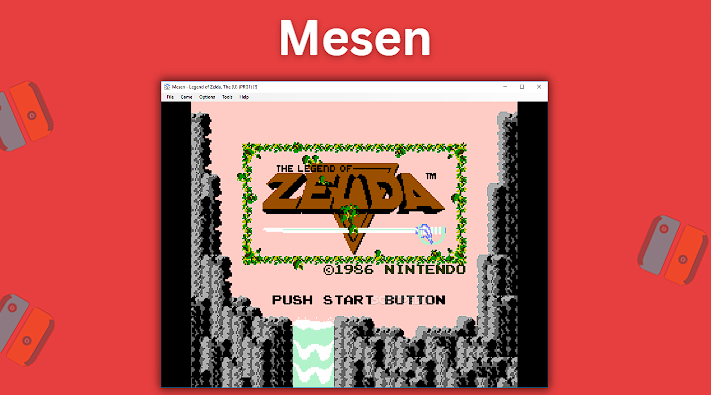
Mesen is considered the most accurate and compatible emulator available for NES games, allowing you to also play Famicom as well. What really sets this emulator apart from others is its abundance of features such as its audio equalizer dashboard, cheat finder tool, Netplay functionality for online multiplayer gaming, and impressive video filters.
As far as user friendliness goes, Mesen stands at the top too. Setup process requires minimal effort or time investment thanks to a helpful configuration wizard that will get you up-and-running in no time! There’s also an automatic save state feature making sure all your progress isn’t lost due to unfortunate circumstances.
Accuracy and compatibility are important factors when it comes to NES game emulation and because of this, Mesen has got both covered by providing gamers with powerful tools while remaining incredibly simple & intuitive!
2. Nestopia UE
- Price: Free
- Platform: PC, Mac, Linux, FreeBSD
- Official website
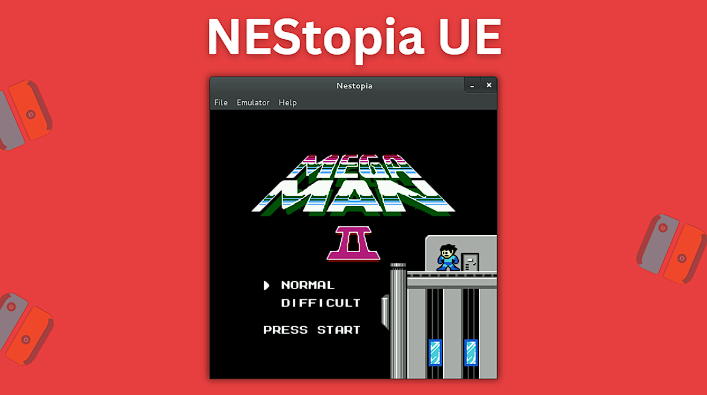
Nestopia UE is a well-rounded emulator that has been forked from the original discontinued emulator version of 2008. It’s compatible with FreeBSD, Linux, Mac and Windows devices. Netplay allows players to enjoy online multiplayer gaming sessions at turbo speeds – all while having the ability to personalize color palettes too!
Having said this though, there may be occasional slowdown or screen tearing issues experienced when playing games using this NES emulator, but these can quickly be addressed by tweaking some computer settings such as Vsync. It’s obvious why Nestopia UE continues its reputation as a solid choice suitable for gamers when emulating the NES.
3. RetroArch: The All-in-One Solution
- Price: Free
- Platform: PC, Mac, Linux, Android, and tons more
- Official website
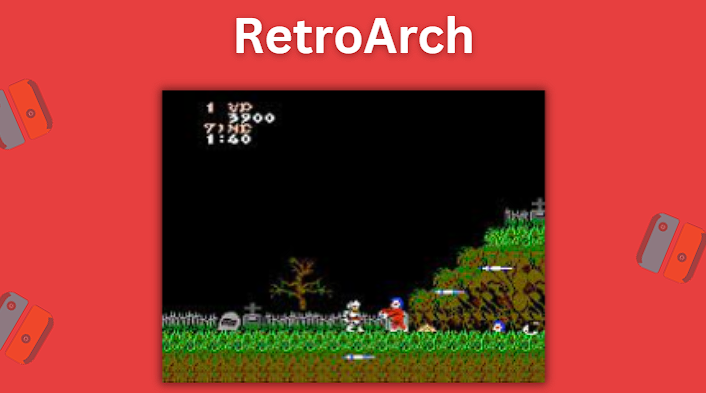
RetroArch is a great all-in-one emulator frontend that can be used to play numerous different platforms including NES, PSP, N64, GameCube DS, and many more. It relies on various emulation cores to play console specific game ROMs, with Nestopia UE serving as its core for classic NES emulation.
Setting up RetroArch might seem a bit daunting at first, but in actuality the software is relatively simple to get setup and running, plus the software gives you access to tons of different consoles all in one app.
If there ever was one go to solution when it comes to game emulation, then RetroArch would definitely be the right choice. It not only gives users access to playing the old school Nintendo Entertainment System, but also includes most popular consoles out there. The one downside to RetroArch is that sometimes the cores it contains can be a bit outdated so some users may prefer to install the official emulator as it is the most updated version available.
FCEUX: For Speedrunners and Enthusiasts
- Price: Free
- Platform: PC, Mac, Linux
- Official website
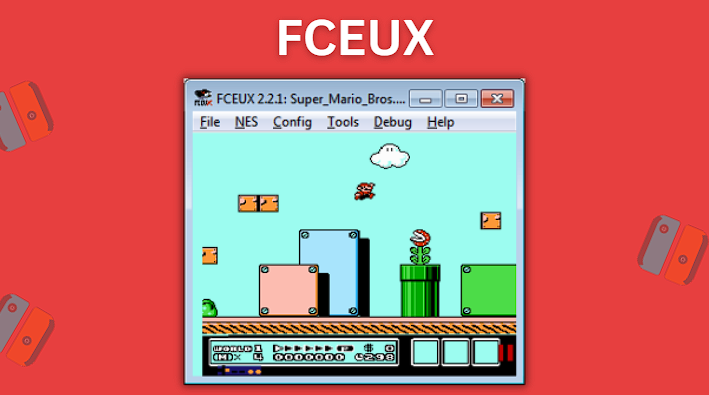
For gamers who live for speedruns and want more advanced features, FCEUX is the ideal NES emulator. It provides users with a wealth of customization options such as ROM hacking, tool-assisted run modes and in-depth debugging capabilities.
It supports multiple file formats like NES, NSF or even FDS extensions. Though there are other emulators available that may have more accurate color palettes than this one does, they cannot compare when it comes to customizability that FCEUX offers!
VirtualNES: Japanese Gem
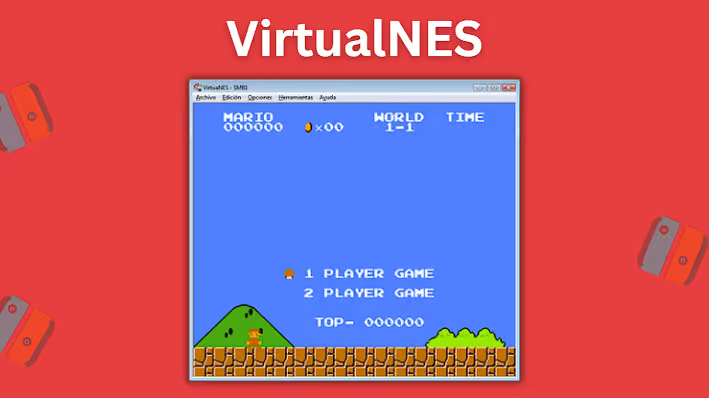
VirtualNES has some noteworthy features including external gamepad support as well as adjustable screen and fullscreen settings. It plays all officially licensed titles for Nintendo Entertainment System (NES) plus Famicom games too!
Do keep in mind though that DirectX 11 needs to be installed on your PC for this emulator to run correctly despite having a low end systems configuration. If you want something beyond the usual options available, try out VirtualNES. It’s rated highly due to its user friendly interface and compatibility with the NES and Famicom!
NES Emulators for Android and iOS
Now that we’ve explored the top emulators for NES on Windows PC, Mac OSX, and Linux, now let’s turn our attention to the mobile options! You can now play classic Nintendo games from the NES directly on your Android and iOS devices thanks to some incredible emulation apps.
The following sections will walk you through the best options so that wherever you go, you can play NES games at all times, giving more playing options and a nostalgic edge to fan favorite Nintendo Entertainment System games.
NostalgiaNES for Android
- Price: Free version and paid versions available
- Platform: Android devices
- Google Play Store
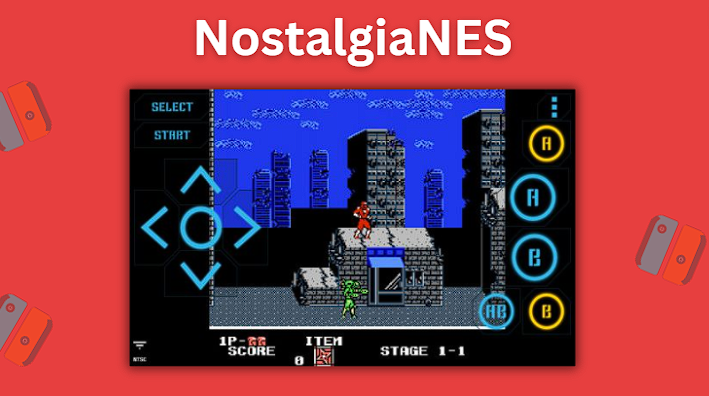
Nostalgia NES is an emulator for Android users to enjoy classic Nintendo games with the touch of a button. The app has both a free and paid version available.
The Pro version costs only $4.99 and gives gamers additional features such as rewinding gameplay and removing ads, but even the free version is a solid experience and offers external controller support, adjustable on-screen controls and automatic game scanning. A user friendly interface makes playing your retro ROMs easy.
Delta iOS Emulator for iOS
- Price: Free
- Platform: iOS devices
- Official website
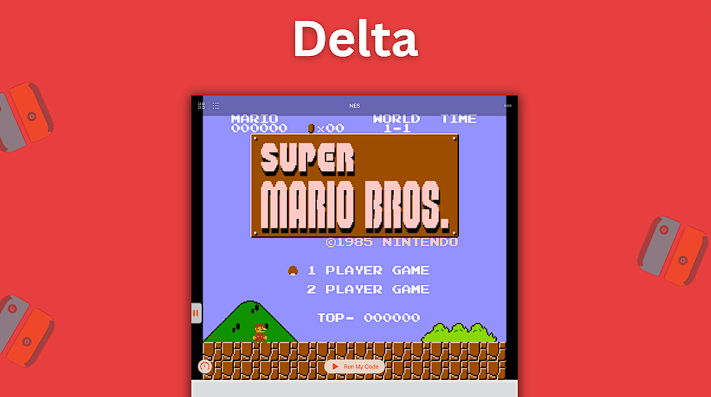
For Apple iOS users, the Delta iOS emulator app is ideal for enjoying NES titles on their iPhone or iPad. As well as being compatible with many of the classic Nintendo video game consoles like SNES, N64 and GBC/GBA/DS games, it comes packed with features such as cheat codes and save states to make sure you won’t miss a single beat.
Although this emulator can’t be used if you have jailbroken devices, its compatibility makes is very solid. The only downside might be that sometimes installing and setting up this particular emulator can be a bit tricky.
Enhancing Your NES Gaming Experience
Now that you’ve settled on the right emulator for your setup needs, it’s time to step up your experience! In this section we’ll explore ways you can customize controls, use cheat codes, and even apply video filters and shaders to NES titles.
These improvements will take your NES games to the next level and make playing them more enjoyable and immersive than ever before.
Customizing Controls
With an emulator, it’s recommended that you setup custom controls. Most emulators let players map their preferred control layout with ease. The on-screen controller setup may also be altered to customize size and position of buttons as well as colors and transparency settings.
NES games in particular become more enjoyable when played using an external controller such as a gamepad, joystick or arcade stick, many different types are supported by modern emulators so that users have real life feeling while playing all their favorite NES titles! We recommend the following Bluetooth controllers below as it works with PC, Mac, and Android.
Using Cheat Codes
Cheat codes have been a part of video game culture since the early days and using them in your NES emulator can be a whole lot of fun. If you want some secret tips or advantages while playing classic retro games, look for cheat codes online or read through some old Nintendo Power magazines.
To use cheat code instructions correctly during gameplay or via the menu depends on each individual game and emulator you choose.
Video Filters and Shaders
For an improved visual experience while playing your NES games, video filters and shaders are a great option. The effects can significantly enhance the appearance of these classic titles when displayed on modern screens and can add CRT, scanlines, or pixel art designs. You can usually find these options in your emulator’s settings.
Using certain graphic changes may cause issues such as lag or game crashes so it is best to try out different combinations until you find one suitable for both your setup and preferred style of play.
The Legality of NES Emulation
NES emulators are a great way to experience classic NES games, but it’s important to understand the legal implications of emulators and ROMs. You may be wondering if emulation is legal in most areas of the world, and keep in mind obtaining and using related ROMs can be a bit of a gray area.
Emulators vs. ROMs
When it comes to emulation, emulators and ROMs are often mentioned together. Emulators essentially allow users to play games on computers or other devices by emulating the actual console. Meanwhile, ROMs serve as digital copies of video games which can be accessed and run via emulators.
The legality of both emulators and ROMS vary depending on the country. For example, in most countries using an emulator is permitted, but downloading ROM game files may not be allowed according to local laws. It’s important for people who wish to download these games to check applicable regulations first in order to stay within legal boundaries when playing these kinds of games digitally through emulator software.
That being said, here is a list of the best site for ROMs.
Obtaining ROMs Legally
If you want to be within the boundaries of legality while still enjoying your favorite NES titles, there are a couple approaches. Firstly, acquire original game cartridges or discs and use special tools like INLretro Dumper-Programmer to extract ROMs from them.
Summary
NES emulation has opened up a variety of options for classic retro gamers, allowing them to relive their favorite titles on modern devices. Whether you’re new to the process or an expert speedrunner seeking special features, there are other emulators like Nestopia UE and FCEUX that will meet your needs. Smartphone users can also access NES games through Nostalgia NES for Android and Delta iOS emulator for iOS.
Customizable controls such as cheat codes and video filters will take your NES gaming experiences to the next level so grab your controller, it’s time to get into those classic NES games!
Frequently Asked Questions
What is the most accurate NES emulator?
Mesen is the ultimate choice for NES emulation as it is widely considered to be the most accurate emulator. It offers a wide array of features like support on various platforms, a powerful debugging tool, and multiple game settings, all with the highest possible accuracy when it comes to playing classic NES titles.
What is the best NES emulator for RetroArch?
If you’re looking for a reliable and accurate NES emulation core for RetroArch, then Nestopia UE – and its predecessor Nestopia – are the best choice!
It functions seamlessly as a Retroarch core so you can enjoy it on Android and iOS devices as well as other platforms such as the Wii, PlayStation 3 and Xbox 360. With years of proven use, you can’t go wrong with the Nestopia UE RetroArch core!
Are NES emulators legal?
NES emulators are totally legitimate in most countries and you can get them online quite easily. You just have to make sure that any games you play on the emulator originate from an official physical copy or cartridge, as downloading ROMs is against the law. It’s a bit of a gray area as many retro gamers who emulate don’t bother dumping their ROM files, but it’s always recommended you do so.


