The Legend of Zelda: Tears of the Kingdom players need to gather all the Purah Pad upgrades if they want to have an easier time saving Hyrule!
All Purah Pad Upgrades in Tears of the Kingdom
Here are all the upgrades that players can get for the Purah Pad in The Legend of Zelda: Tears of the Kingdom:
- Camera
- Autobuild
- Shrines of Light Sensor
- Hero’s Path
- Travel Medallion (x3)
- Sensor +
After getting the Paraglider from Purah near the start of the game, players unlock the ability to get upgrades for their Purah Pad.
First up, here’s how to get your hands on the Camera.
How to Get the Camera in Tears of the Kingdom:
- Talk to Robbie and Josha at Lookout Landing (Coordinates -0223, 0062, 0018).
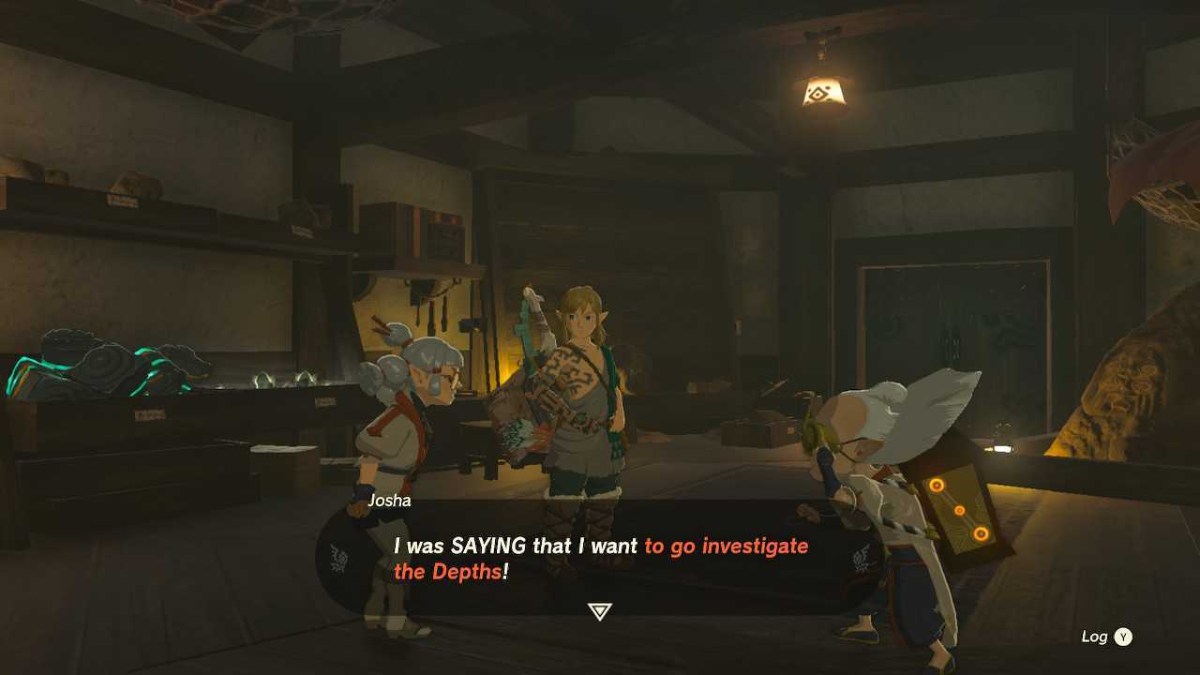
- Head directly south to the Hyrule Field Chasm (Coordinates -0248, -0269, -0471).
- Jump down into the Chasm and use your Paraglider to survive the fall.
- Talk to Ponnick who is camped out at the highlighted location.
- Make your way over to the Nisoij Lightroot which is visible from Ponnick’s camp, and interact with it to light it up.

- Head directly west to the Iayusus Lightroot and interact with that one too.
- Right beside it, you’ll encounter Robbie. Talk to him and you’ll unlock the Camera, along with the Compendium for your Purah Pad in Tears of the Kingdom!
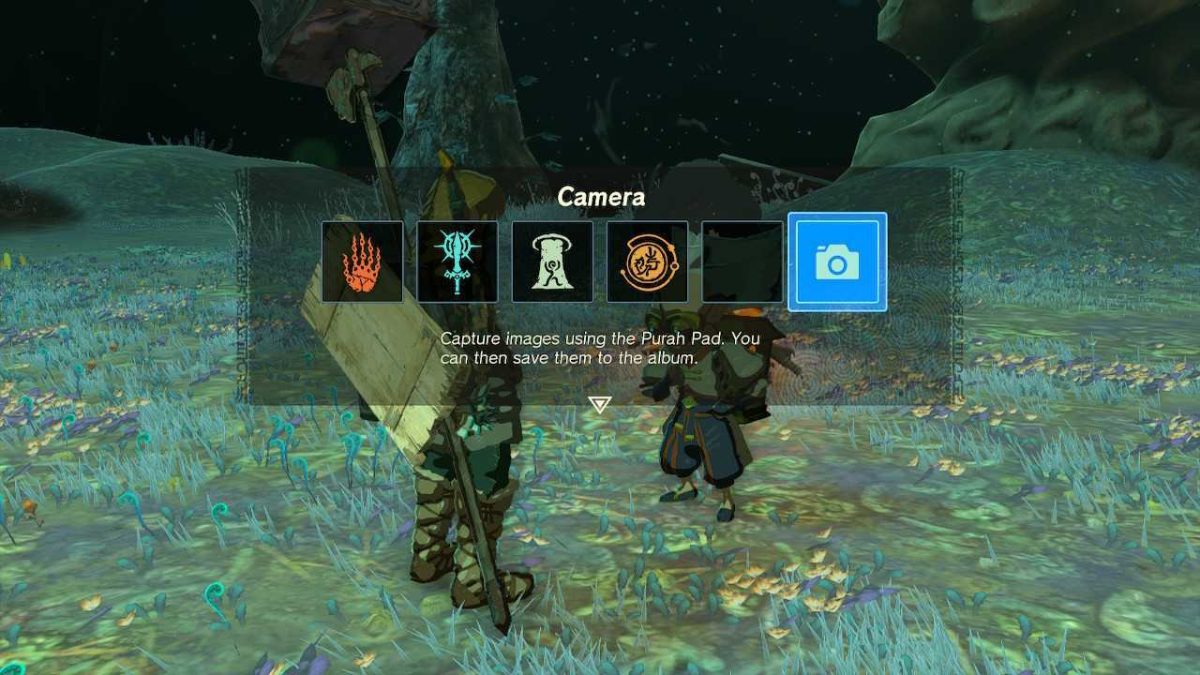
- He’ll then ask you to take a picture of a nearby statue, which will come in handy later.
How to Get Autobuild in Tears of the Kingdom
To get Autobuild you must have already unlocked the Camera in Tears for your Purah Pad. You must also have progressed the main story of TOTK until Josha and Robbie are ready to talk again.
For us, the next quest was only available after we’d completed our first dungeon (The Temple of Wind).
- Then, return to Josha and Robbie at Lookout Landing (Coordinates -0223, 0062, 0018).
- This time, talking to the duo will get them to ask Link to follow the statues in The Depths until he finds an underground temple.

- Return to The Depths and follow the directions each statue is facing until you come to the Great Abandoned Central Mine (Coordinates: -0806, -1926, -0520).
- Interact with the Green Zonai Circle in the Temple and you’ll activate the Steward Construct.
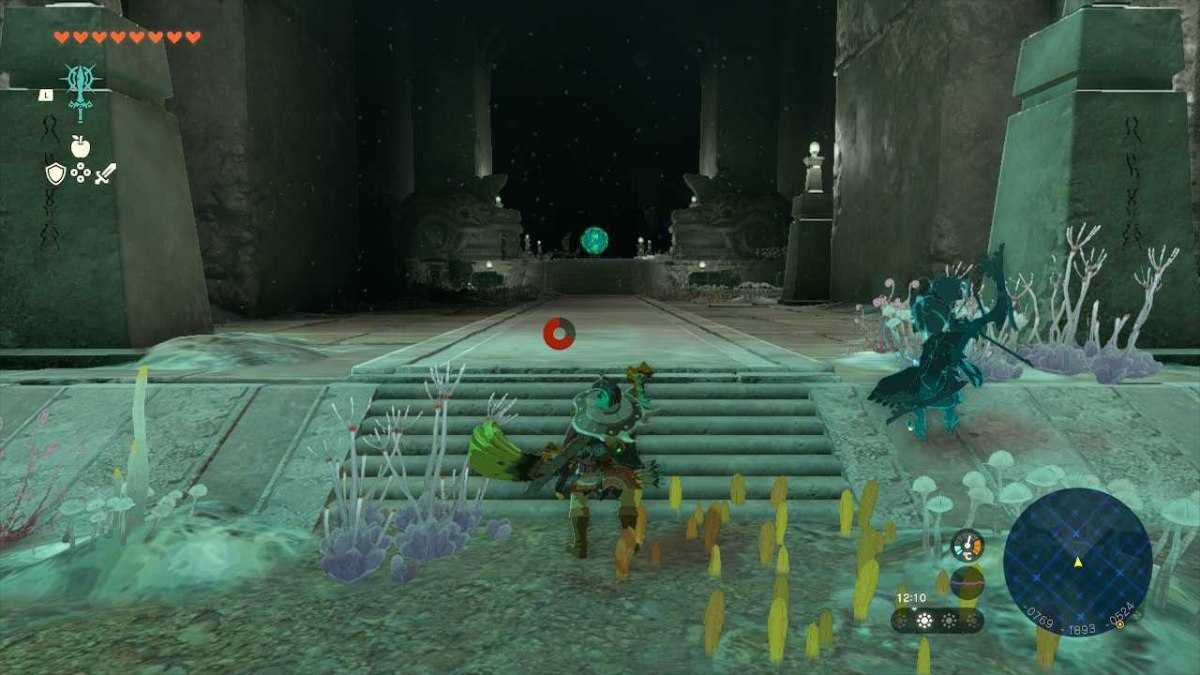
- Then, defeat the boss fight with Master Kohga of the Yiga Clan and you’ll get the ability to Autobuild.
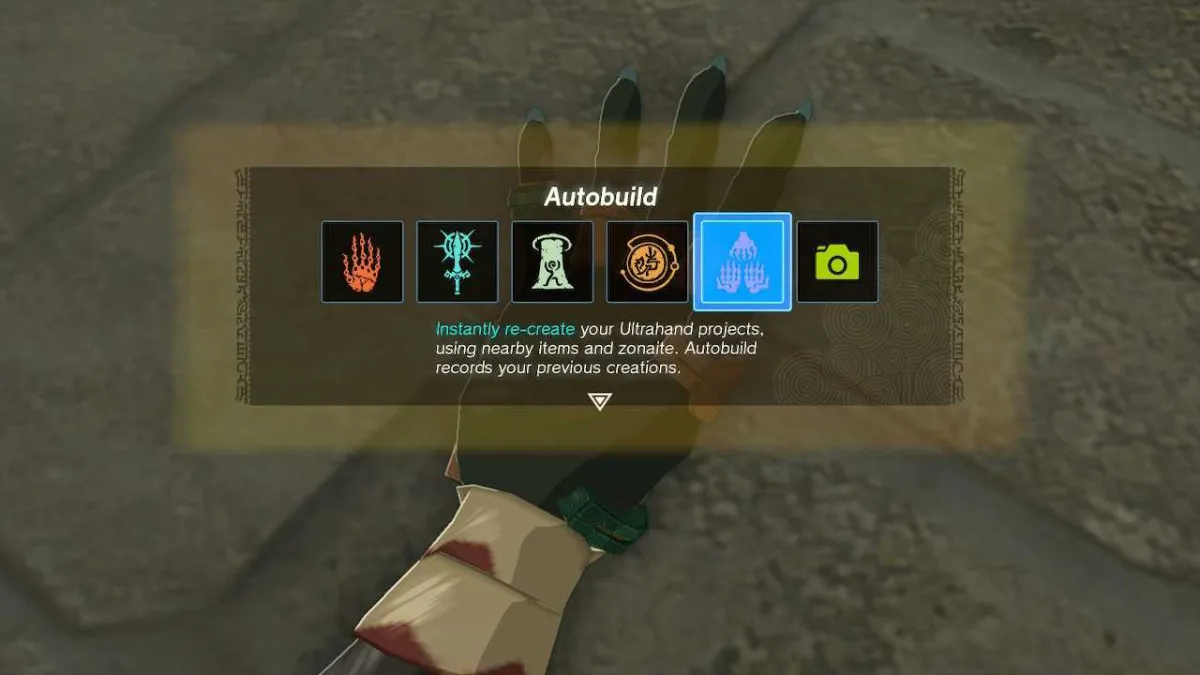
- Talk to the Steward Construct again before you leave to receive the Schema Stone, complete with a new schematic for a flying machine.
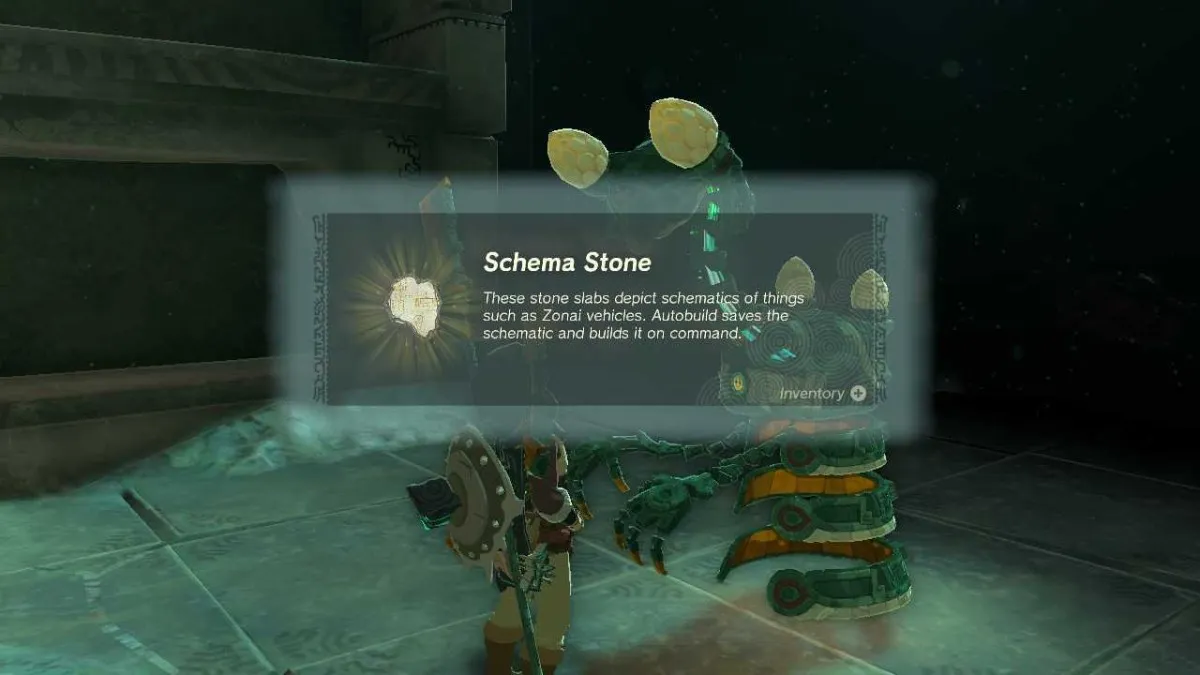
- Return to Josha in Lookout Landing to get one more Schema Stone, a Hot Air Balloon schematic.
How to Get Shrines of Light Sensor in Tears of the Kingdom
- To get the Shrines of Light Sensor, you must have already unlocked Autobuild for your Purah Pad. Then, talk to Robbie at Lookout Landing and repair his Hot Air Balloon.

- Next, you’ll need to travel to Hateno Village, on the southeastern side of the map.
- Find the lab at the top of the hill (the same location as it was in Breath of the Wild) and talk to Robbie (Coordinates: 3780, -2123, 0251).
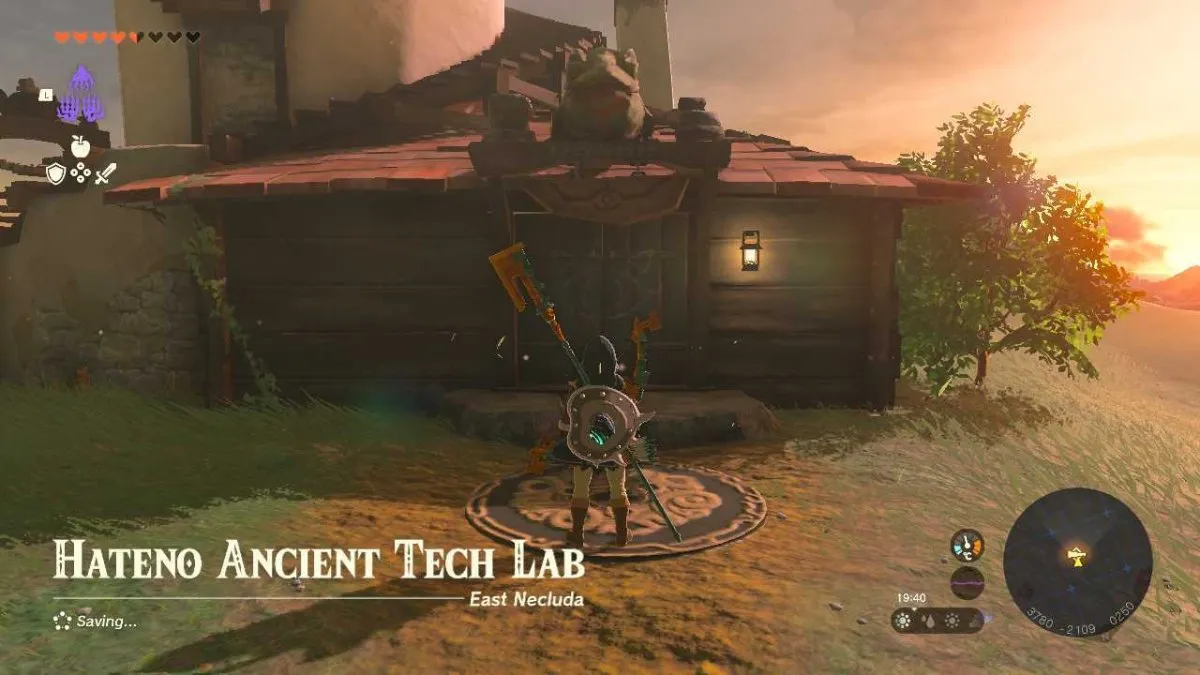
- He will immediately install the Shrines of Light Sensor on your Purah Pad.
- When turned on, the Sensor upgrade will react with an audio cue when you’re heading in the direction of a nearby Shrine.
- Walk around his lab and Robbie will remark that there must be a Shrine nearby.
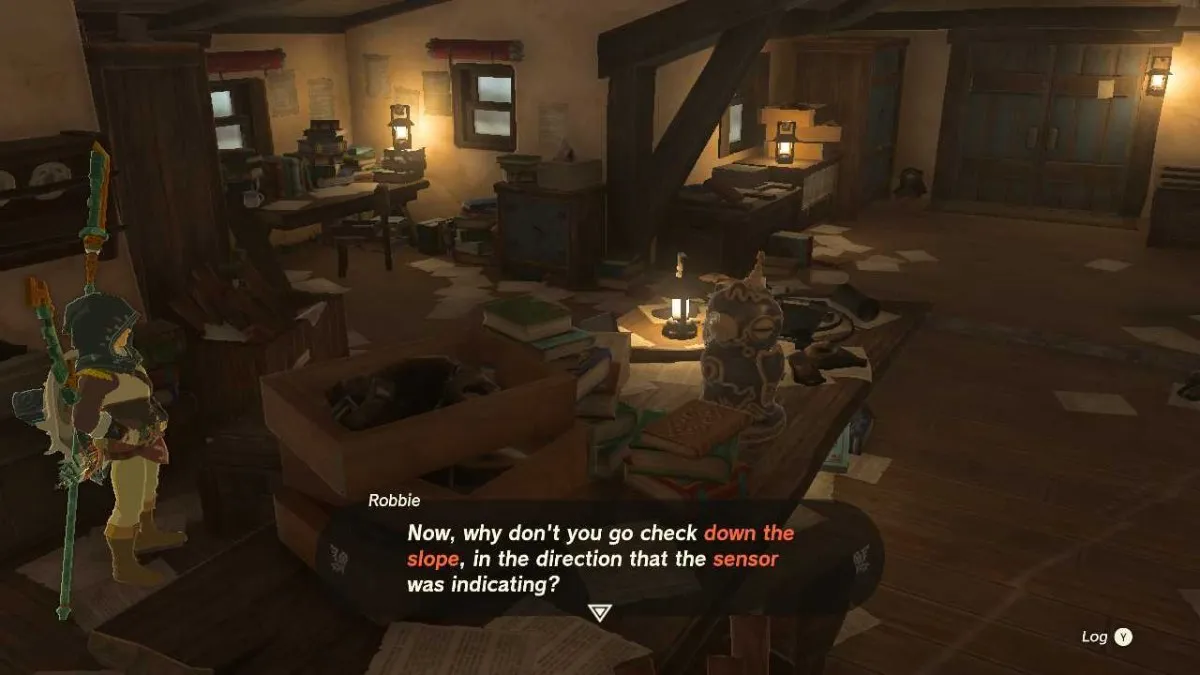
- Before you leave, you’ll need to find Mayahisik Shrine which is hidden under a pile of rubble below the laboratory’s cliff (Coordinates: 3761, -2082, 0220).
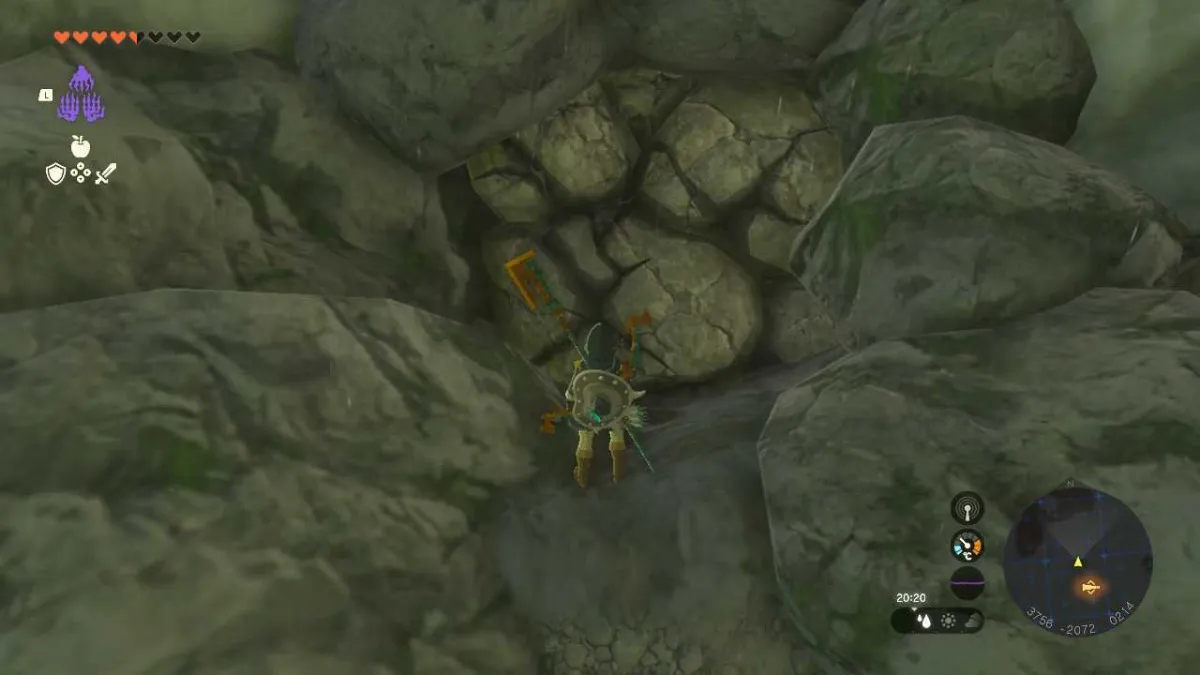
From this point, talk to Robbie again and you’ll be able to ask him about three more upgrades for the Purah Pad: Hero’s Path Mode, Travel Medallion, and Sensor +.
How to Get Hero’s Path Mode in Tears of the Kingdom
To unlock the Hero’s Path Mode feature in Tears of the Kingdom, Link will need to have completed 15 different Shrines. Players need to have acquired the Shrines of Light Sensor before getting this upgrade.
Then, talk to Robbie in his lab in Hateno Village (Coordinates: 3780, -2123, 0251) to unlock the feature on your Purah Pad.

Hero’s Path Mode is a feature that reveals where Link has been on the TOTK map by displaying his footprints,
How to Get Travel Medallion in Tears of the Kingdom
To unlock the Travel Medallion feature in Tears of the Kingdom, unlocking fast travel to a location that Link can place down anywhere on the map, players must talk to Robbie in his lab in Hateno Village (Coordinates: 3780, -2123, 0251).
Players need to have acquired the Shrines of Light Sensor before getting this upgrade.
Robbie will inform Link that he needs to travel to the Akkala Ancient Tech Lab on the northeast of the map (Coordinates: 4519, 3163, 0247) to retrieve the Travel Medallion Prototype.
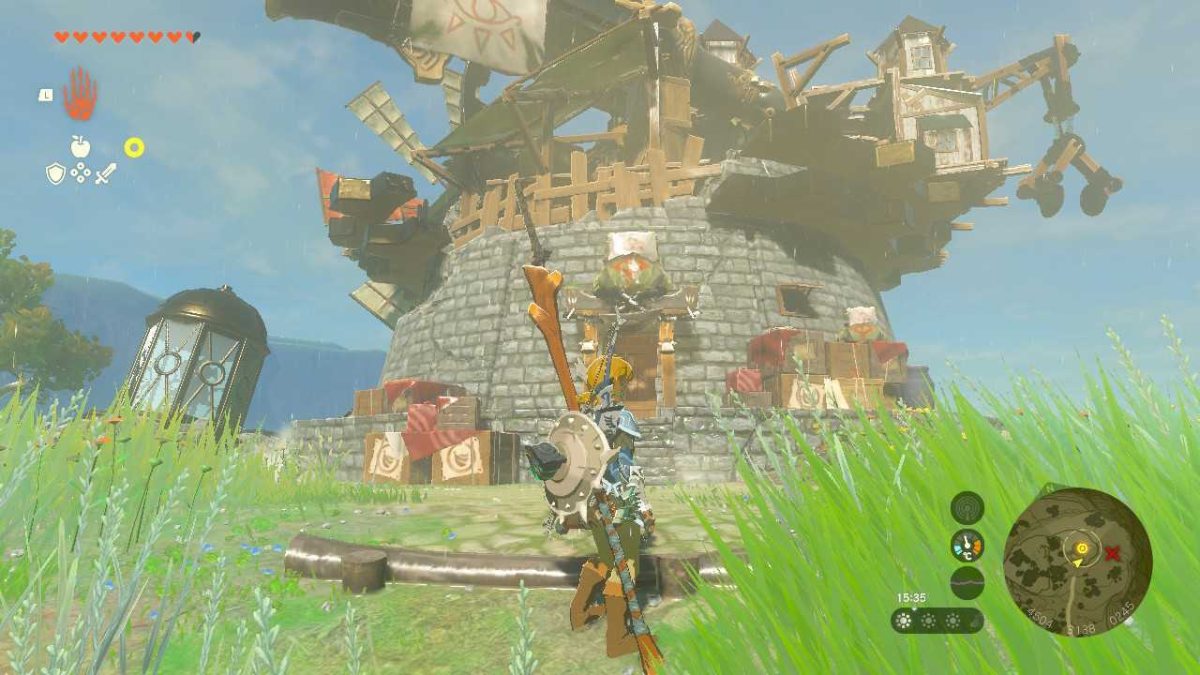
When entering the Tech Lab you’ll encounter two Yiga Clan members that can deal hefty damage so take care and use arrows to dispatch you enemies from afar.
Then enter the Lab where you’ll find the Travel Medallion Prototype waiting in a chest.
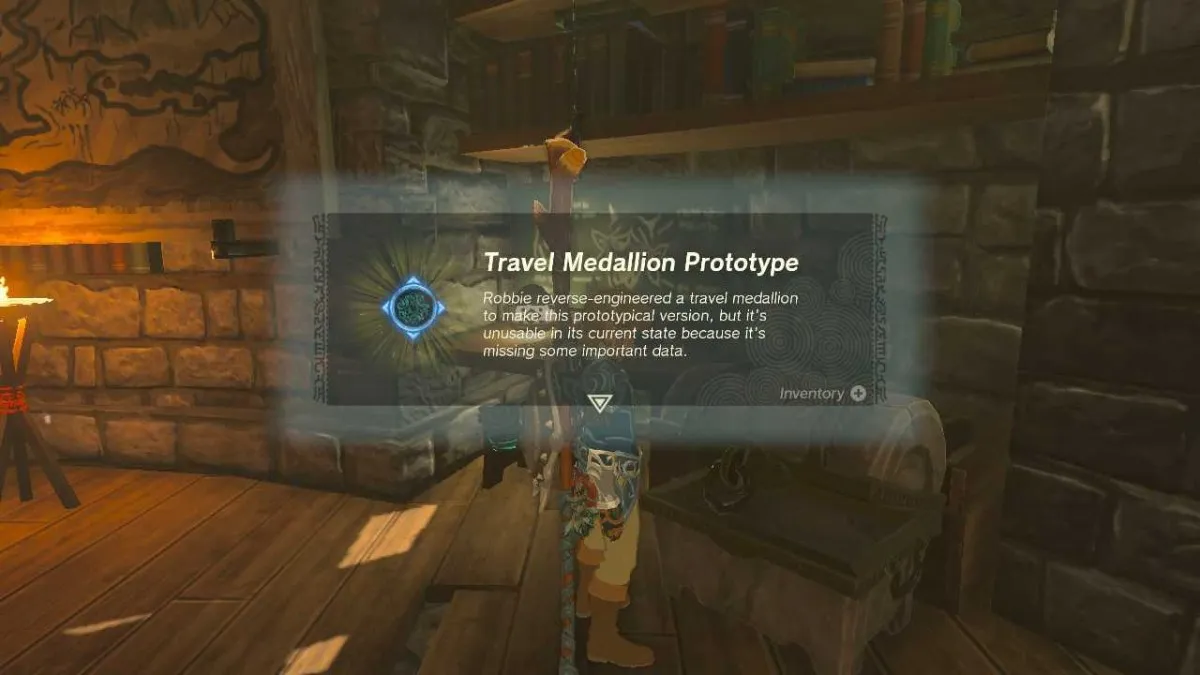
Take this back to Robbie in Hateno Village and you’ll unlock the Travel Medallion upgrade, which can be placed anywhere and registered as a fast travel option.
By finding all the Skyview Towers on TOTK’s map of Hyrule, you’ll get the ability to place down 2 additional Travel Medallions!
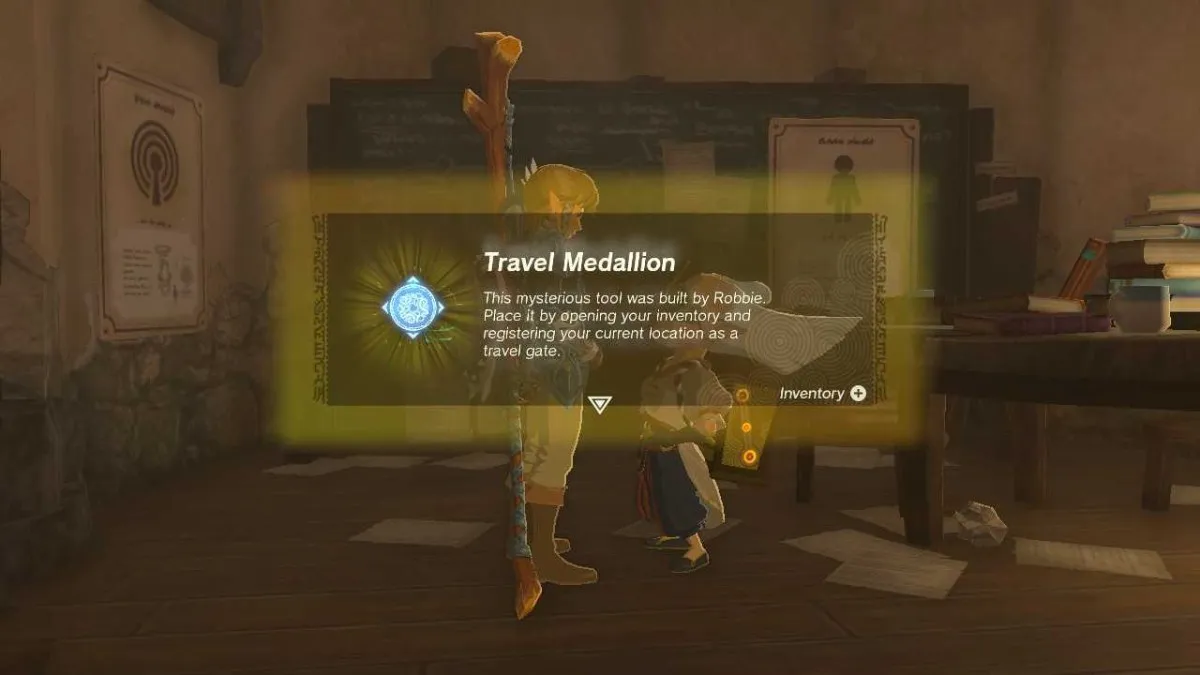
Talk to Robbie after registering 10 and then 15 total Skyview Towers to receive an extra Travel Medallion to use however you choose.
How to Get Sensor + in Tears of the Kingdom
To unlock the Sensor + upgrade for your Purah Pad in Tears of the Kingdom, simply take a picture of 5 different types of monsters using the Camera feature.
Then, talk to Robbie in his lab in Hateno Village (Coordinates: 3780, -2123, 0251) and he’ll upgrade your existing Sensor ability.
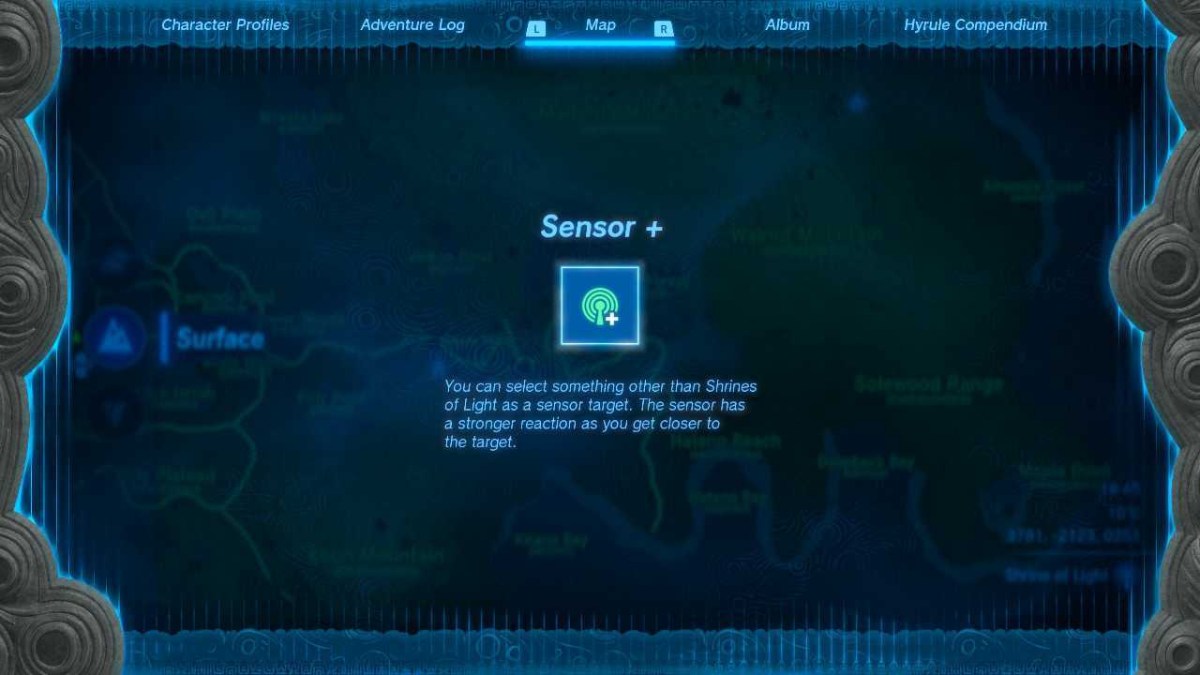
Of course, players need to have acquired the Shrines of Light Sensor before getting this upgrade.
Sensor + works like the initial Shrine of Light Sensor except it can be used to locate any enemy or material that Link has taken a picture of. Simply choose anything in your Compendium to begin tracking it with audio cues.
And voila! You now have all of the Purah Pad upgrades in The Legend of Zelda: Tears of the Kingdom!
If we discover any late-game upgrades, we’ll be sure to update this article with all the information you need.