World Builders allow you to morph your surroundings in order to match your preferences. While this concept has been iterated quite flawlessly in Stardew Valley, there can be some points of confusion stopping you from realizing your ideal world.
Mechanics like rotating furniture are generally based on a one-step process that essentially lets you orientate your wares in any direction. While such mechanics are rather elusive to the player base, they can help you effectively and efficiently perform customizations.
Needless to say, decorating your farmhouse or shed can feel daunting since the rotation mechanic is only viable on a selected number of furniture. Therefore, you’d need to know the valid orientations before going all architect-mode on your sheds.
Identifying Placeable Furniture
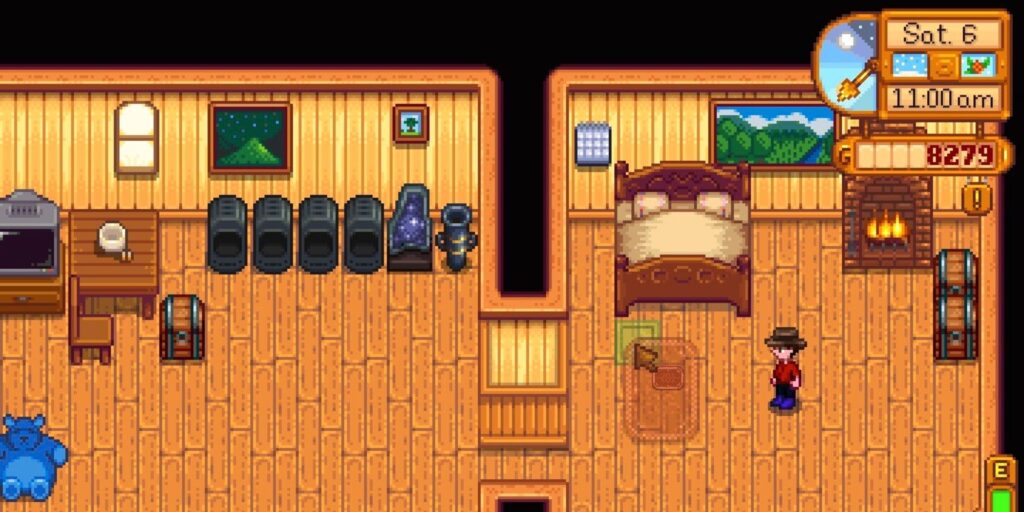
The placement mechanics in Stardew Valley don’t allow you to place your furniture just anywhere. And while most of the restrictions do make sense, some others are only identified with the red and green glow.
You can’t just expect to stack a sofa on a table or to place a chair on a wall. To make your job easier, the game automatically indicates the valid placements with the help of the mentioned green and red glows.
Alternatively, you can also look for a ‘face’ in your items. The ones with it cannot be rotated, like paintings, televisions, and even fireplaces. Since their main appeal is in their visibility, you’d sadly have to give up on rotating them.
However, the objects that look the same from all angles can be rotated however you want.
This can include the following:
Additionally, you also need to be wary of the default villager paths – especially on the outside area of the farm. The game will automatically destroy any pieces of furniture whenever a villager moves over the square where the said object is placed.
They won’t be going out of their way to wreck your furniture, but it can still be pretty risky. Therefore, you’d generally want to protect the furniture from these random incidents – unless the said item is useless/garbage.
Rotating The Furniture in Stardew Valley
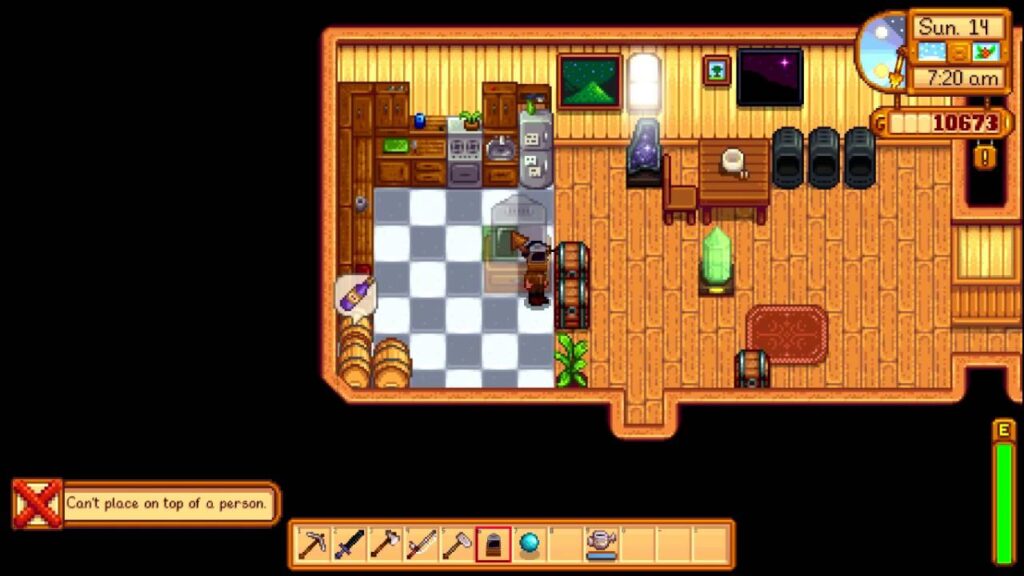
Stardew Valley is available on a multitude of platforms. However, the in-game movement mechanics can be generalized into the PC and Console categories. Therefore, your method of furniture placement and rotation will vary accordingly.
With that said, here’s how you can rotate the furniture in Stardew Valley:
Computer Controls
While placing a piece of furniture, simply press the Right-click on your mouse in order to rotate/place the item. If you want to move an already-placed item, then Left-clicking is the way to go.
However, certain pieces of furniture require you to use specific tools for their removal and replacement. Therefore, you’d need to be quite well-equipped depending on the item at hand.
Once you select the object by Right-clicking, simply move it to the desired location, or just right-click again until you’re satisfied with the orientation of the furniture.
Xbox / Nintendo Switch
Simply use the A button on your gamepad or joystick in order to rotate a selected piece of furniture. You can press the button multiple times until you’re satisfied with the orientation.
Playstation
Surprisingly, the controls on the Xbox and Playstation differ quite a bit. Therefore, you’d have to press X instead of A here. The remaining mechanics are the same, so just button-mash your way to perfection!
If you’re new to Stardew Valley, then just refer to the following table:
| Platform | Movement | Placement | Rotation |
|---|---|---|---|
| PC | Mouse | Left-Click | Right-Click |
| Nintendo Switch | Right Joystick | Y | A |
| Xbox | Right Joystick | X | A |
| Play Station | Right Joystick | Square | X |
Can Any Furniture Be Rotated In Stardew Valley?
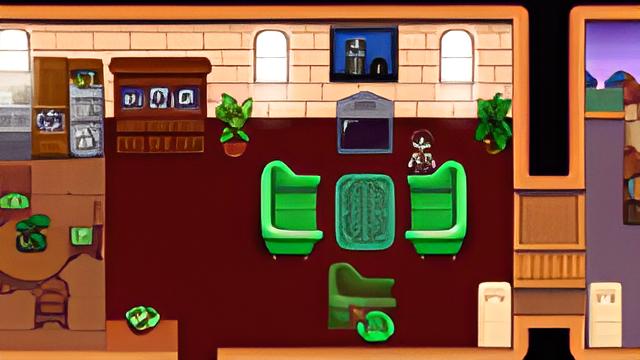
No, most of the items like televisions and statures cannot be rotated. They always face forward, so the rotation menu won’t pop up even if you try pressing the relevant buttons.
However, this feature can be introduced with the help of mods, but since most consoled don’t support modding, you’d be better off just leaving them as is.
Alternatively, you could also change the area’s layout to better accommodate them in terms of style and design. However, even that requires enough tile space for your furniture items to not clash against anything else.
Luckily, this can be better identified with the help of the red glow green glow method.
Can Furniture Be Placed Outside In Stardew Valley?
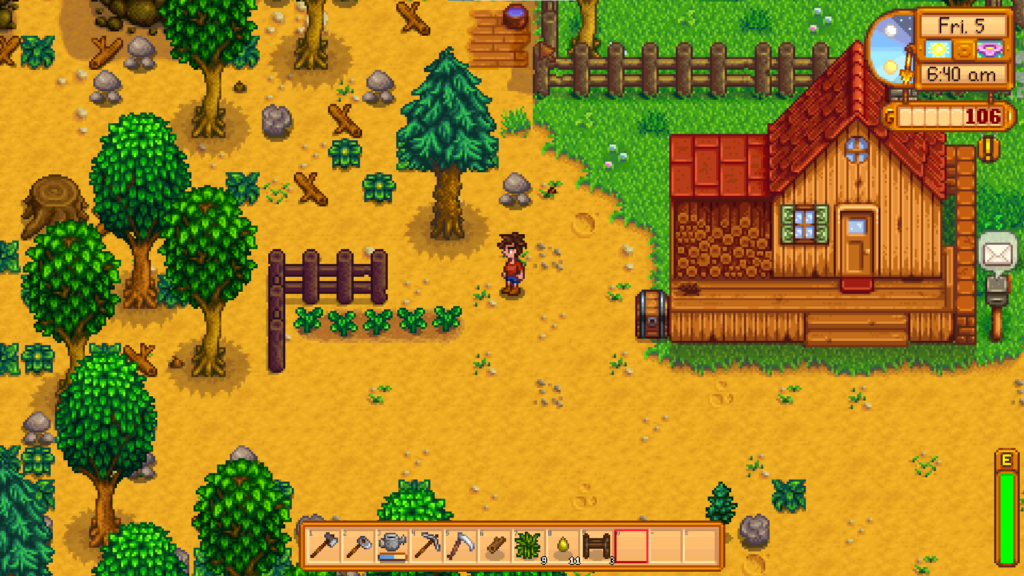
Yes and no; certain items can be placed outside. However, there are certain restrictions as well. Unfortunately, the best way to check this is through trial and error.
For example, you can just pick up and put various pieces of furniture like the television outside the farm to see what the wisdom of the glow has in store for you. If it’s green, then you’re good to go. If it’s red, however, then you sadly have to keep it holed up inside.
Therefore, it’s generally recommended that you optimize your farmhouse space as effectively as possible. The more you progress into Stardew Valley, the harder it’ll become to keep random junk by your side because of the space restrictions.
Takeaway
All in all, not every item in Stardew Valley can be rotated, and that’s fine since most of them are meant to be viewed from a single direction.
However, not knowing what can and cannot be rotated can be annoying. Therefore, the game implements a red light green light system.
Additionally, certain objects have placement restrictions, which can be annoying to navigate through as well. Luckily, everything is laid out quite well in the game. Therefore, you just need to get out there are start experimenting!
Hopefully, this article helped you learn to rotate furniture in Stardew Valley. Stay with us for more informative articles.